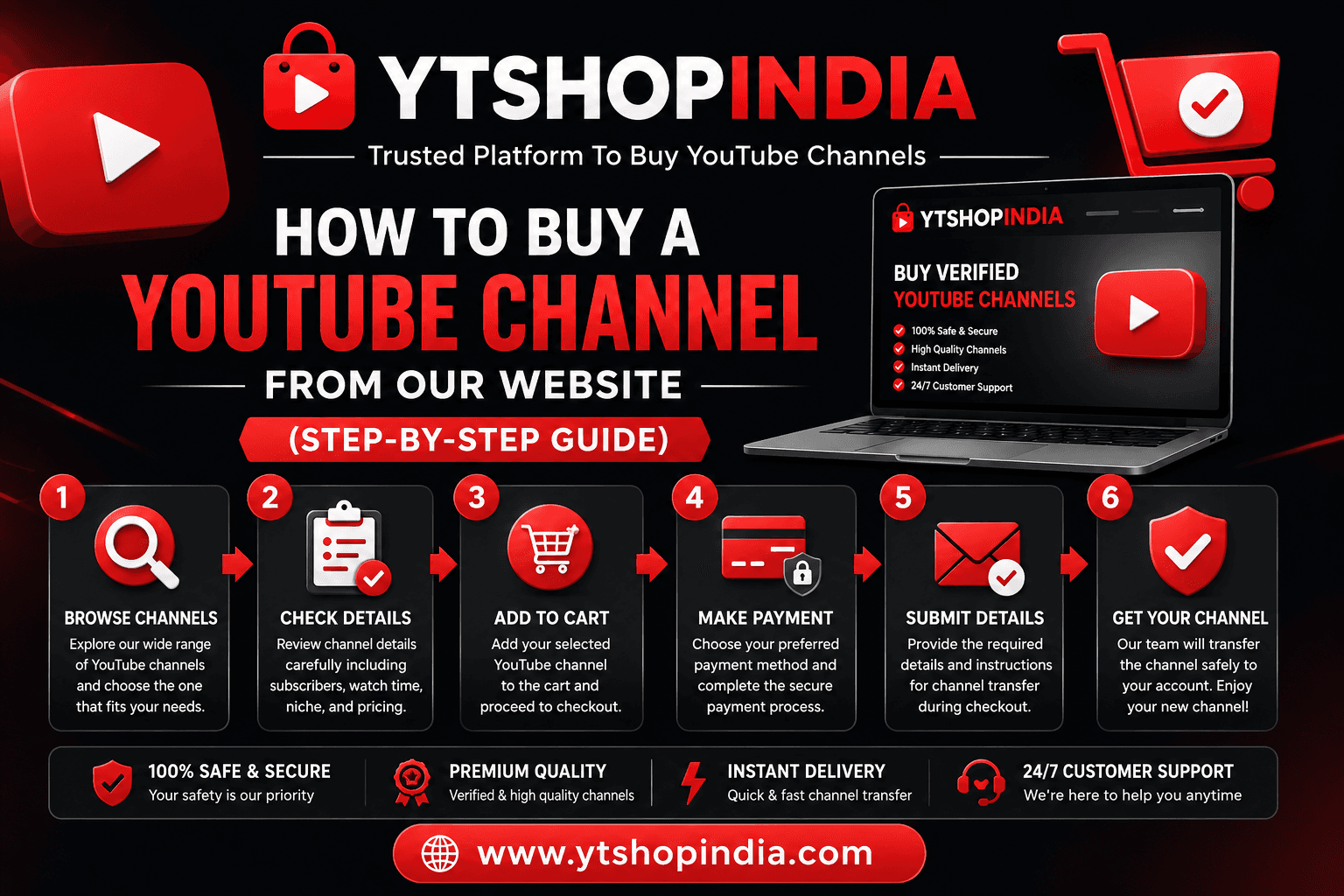
How to Buy a YouTube Channel From Our Website (Step-by-Step Guide)
We provide a secure and structured process for purchasing YouTube channels.To protect both buyers and sellers, ownership is transferred in stages, fol...
We provide a secure and structured process for purchasing YouTube channels.
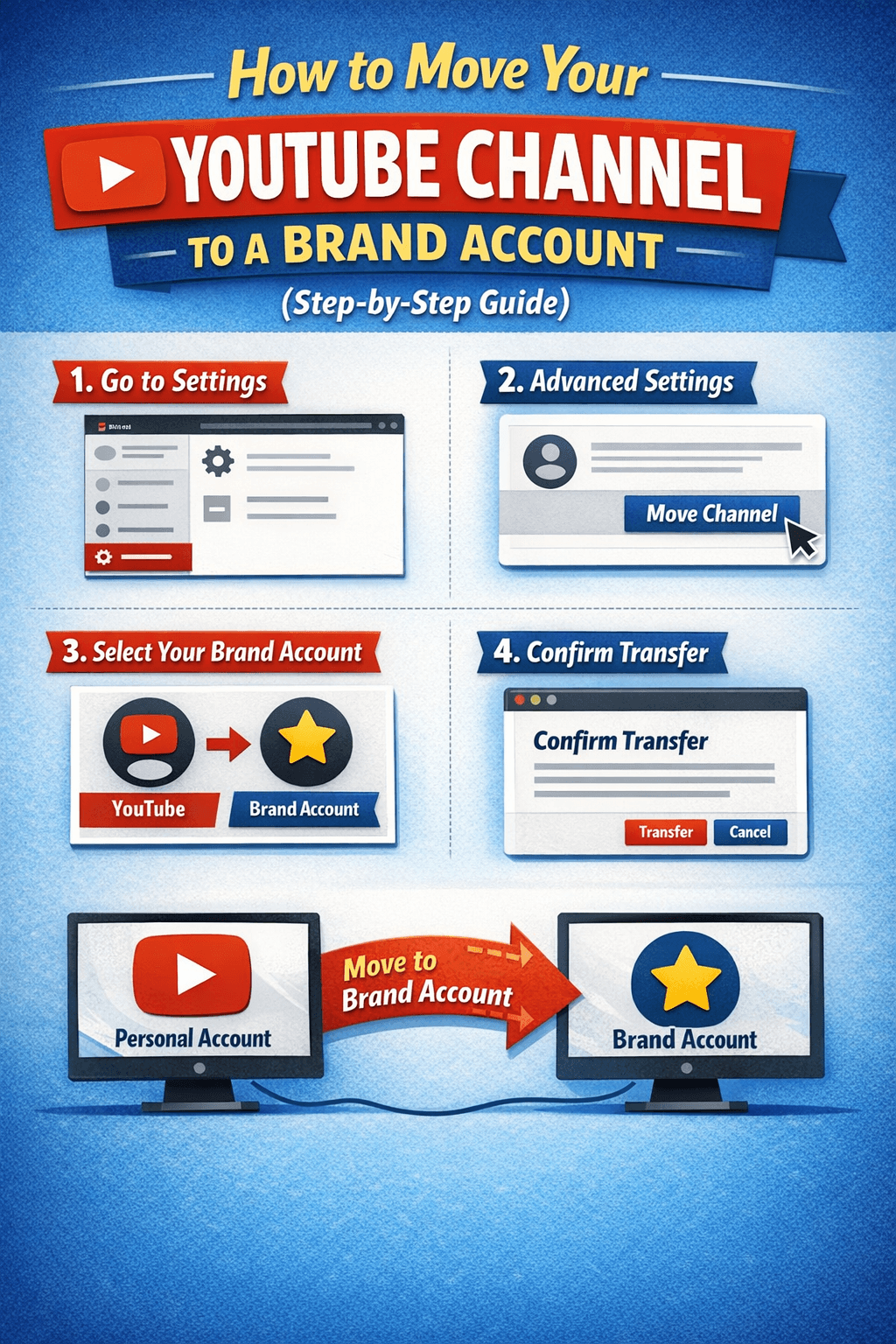
To protect both buyers and sellers, ownership is transferred in stages, following YouTube’s official Brand Account system.
This guide explains exactly how it works.
Step 1: Browse Available YouTube Channels
Our website lists verified YouTube channels with full details, including:
Channel image / preview
Subscriber count
Channel niche
Monetization status (if applicable)
Price
Description
Each channel is reviewed before being listed.
Step 2: Review Channel Details
Before purchasing, please:
Read the full description
Review screenshots or proof
Confirm pricing and channel type
What you see listed is exactly what you receive.
Step 3: Click “Buy Now” and Enter Your Email
Click the Buy Now button
Enter a valid email address
📩 This email is used for:
Payment confirmation
Channel access instructions
Ownership transfer updates
Step 4: Make Payment (Crypto, INR, or Other Currencies)
We support secure and trusted payment methods, including:
Cryptocurrency (USDT, BTC, ETH, etc.)
INR (Indian Rupees)
Other international currencies
All payments are processed through trusted gateways.
Step 5: Access Delivery (Within 12 Hours)
⏳ Delivery Time:
You will receive channel access within 12 hours after payment confirmation.
What access do you receive first?
You are added to the channel via Brand Account
You receive Manager or Admin-level access
You can:
Upload videos
Edit content
Manage settings
Start using the channel immediately
🚫 We do NOT share login ID or password
This follows YouTube’s official and safest method.
Step 6: Ownership Transfer After 7 Days (Important)
To ensure security and prevent abuse, primary ownership is transferred after 7 days.
How ownership transfer works:
After 7 days, you can:
Be made Primary Owner by our team
OR take ownership yourself via Brand Account permissions
This waiting period is required by YouTube and helps protect both sides.
Why We Don’t Share Login Credentials
We never share Gmail IDs or passwords because:
It violates YouTube security guidelines
It increases the risk of recovery issues
It can lead to channel suspension
Brand Account access is:
✅ Official
✅ Secure
✅ Fully supported by YouTube
What Happens After You Become Primary Owner?
Once you are Primary Owner, you can:
Remove our access
Add or remove team members
Fully control the channel
Change recovery details
The channel becomes 100% yours.
Is This Process Safe?
Yes. Our process is designed to be:
Transparent
Policy-compliant
Secure for buyers
Safe for long-term channel use
Thousands of businesses use this same method.
Important Notes Before Buying
Correct email is mandatory
Access is delivered within 12 hours
Ownership transfer happens after 7 days
No ID/password sharing
Follow Brand Account rules for smooth transfer
Need Help?
Our support team is available if you need:
Help accepting access
Ownership transfer guidance
Brand Account setup assistance
Final Summary
✔ Secure payment
✔ Fast access
✔ Official transfer method
✔ Full ownership after 7 days
✔ Beginner-friendly process