How to Sell Your YouTube Channel on Our Platform
We provide a structured ownership-transfer facilitation service using YouTube’s official Brand Account system.This guide explains how creators can sub...

We provide a structured ownership-transfer facilitation service using YouTube’s official Brand Account system.
This guide explains how creators can submit their channel, get it reviewed, and complete a safe ownership transition after a buyer is found.
Important Notice (Please Read)
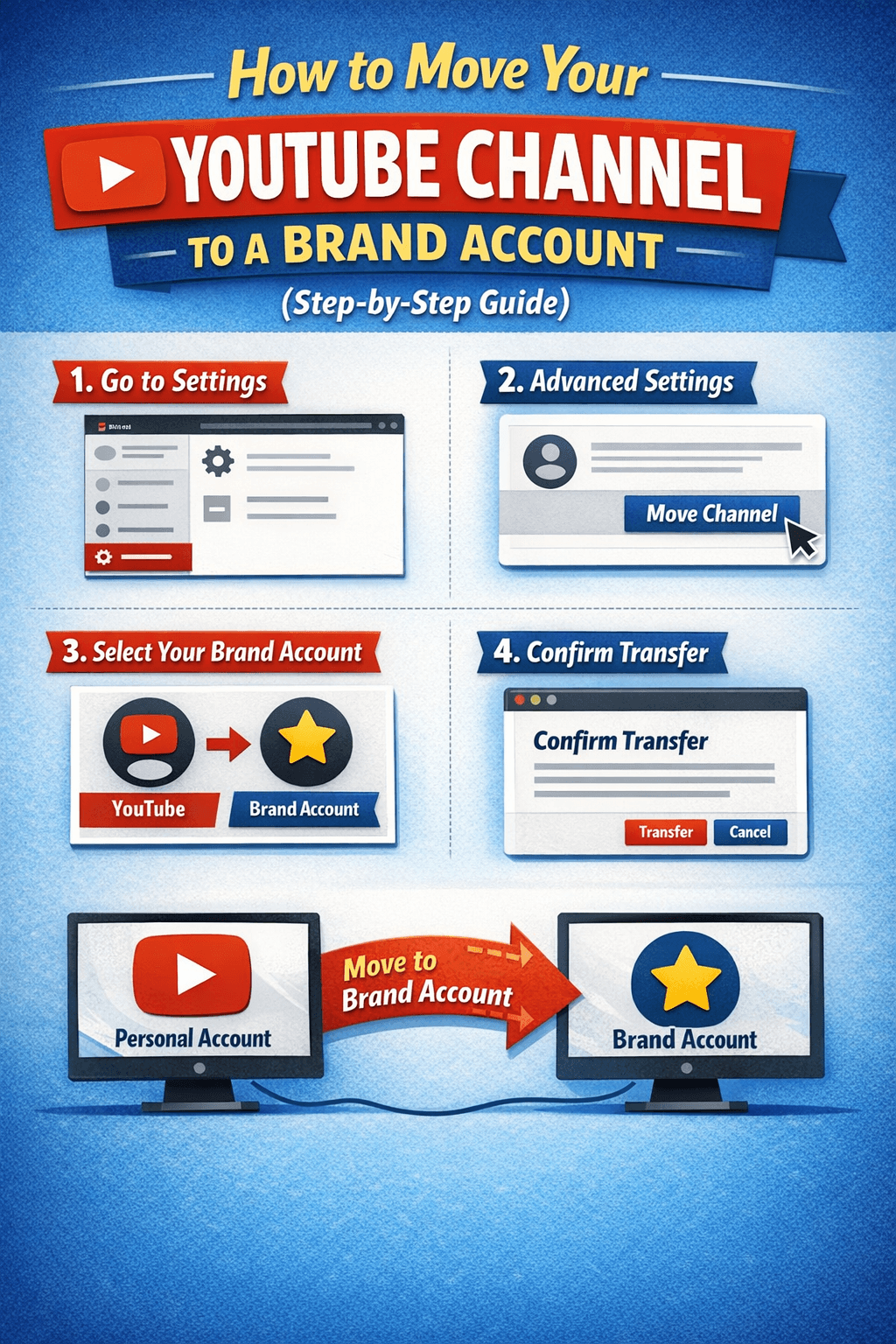
You have to add our team as Manager/Admin via Brand Account permissions
Step 1: Click on “Sell Channel”
To get started:
Visit our website
Click on the “Sell Channel” option
You will be redirected to a submission form
This form helps us review your channel accurately.
Step 2: Fill Out the Channel Submission Form
Please provide the following details carefully:
Your Name
YouTube Channel Link
Contact Number
Monetization Status (Monetized / Not Monetized)
⚠️ Make sure all information is correct.
Incorrect details may delay the review process.
Step 3: Submit the Form
Once you submit the form:
Your request enters our manual review process
Our team evaluates:
Channel status
Niche
Monetization
Overall quality
This step helps ensure only eligible channels are listed.
Step 4: Our Team Contacts You & Fixes the Price
After reviewing your submission:
Our team will contact you directly
We will:
Discuss channel details
Finalize a mutually agreed listing price
Explain the next steps clearly
No channel is listed without seller confirmation.
Step 5: Brand Account Setup & Manager Access
Once pricing is confirmed:
Your channel must be under a Brand Account
You will add our team as Manager/Admin via Brand Account permissions
This allows us to:
Verify the channel
List it on our platform
Coordinate the ownership transition
🚫 We do not ask for Gmail login or passwords for listing
Step 6: Channel Listing Goes Live
After access is granted:
Your channel is listed on our website
Buyers can view:
Channel details
Category
Monetization status
Your identity remains protected.
Step 7: After Buyer Confirmation & Payment
Once a buyer completes payment:
We coordinate the ownership transition
You will transfer Primary Ownership via Brand Account
This can be done:
By you directly
Or after YouTube’s required waiting period (7 days)
This follows YouTube’s official process.
Why We Don’t Use Login Credentials For Listing
Sharing Gmail IDs or passwords:
Violates YouTube policies
Risks channel recovery issues
Can cause permanent suspension
Brand Account ownership transfer is:
✅ Official
✅ Secure
✅ Fully reversible until ownership is finalized
After Ownership Transfer
Once ownership is completed:
You can remove your access
The new owner has full control
The transition is complete
Summary of the Process
✔ Submit channel form
✔ Manual review
✔ Price confirmation
✔ Manager access via Brand Account
✔ Channel listing
✔ Buyer confirmation
✔ Primary ownership transfer
Need Help?
If you have questions during any step:
Use our contact form
Our team will guide you clearly
Final Note
Our platform focuses on safe, transparent, and policy-compliant channel transitions using YouTube’s official systems.